Introduzione
Il taglio laser dell'acrilico, una tecnologia nata negli anni '60, ha rivoluzionato il mondo del design. Offre ad artisti e produttori una precisione e una velocità senza precedenti, rendendo possibili design complessi. Questa guida approfondisce questa tecnologia innovativa, aiutandoti a elevare i tuoi progetti e a distinguerti in un mercato competitivo.
Comprendere il Taglio Laser dell'Acrilico
Panoramica del Processo
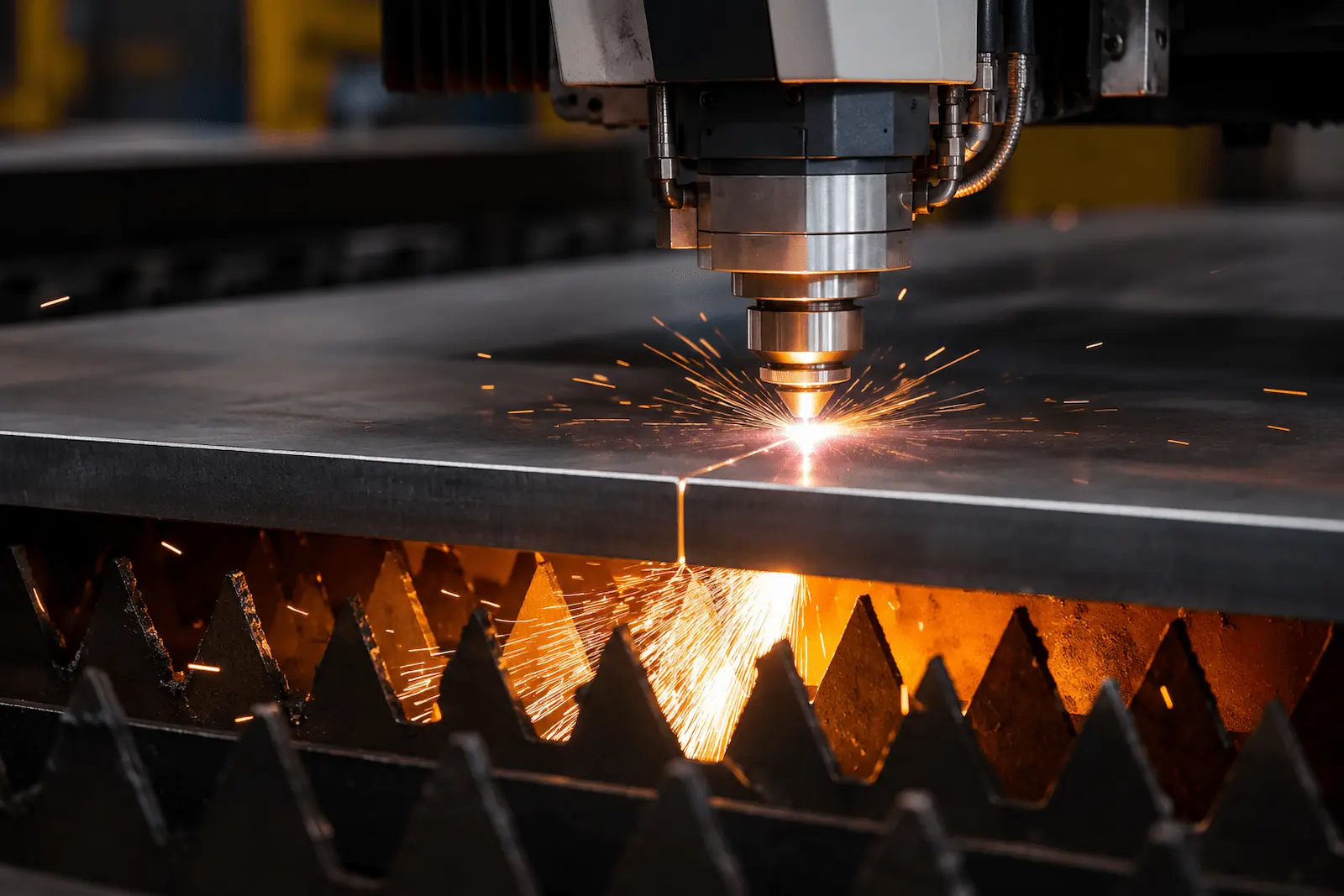
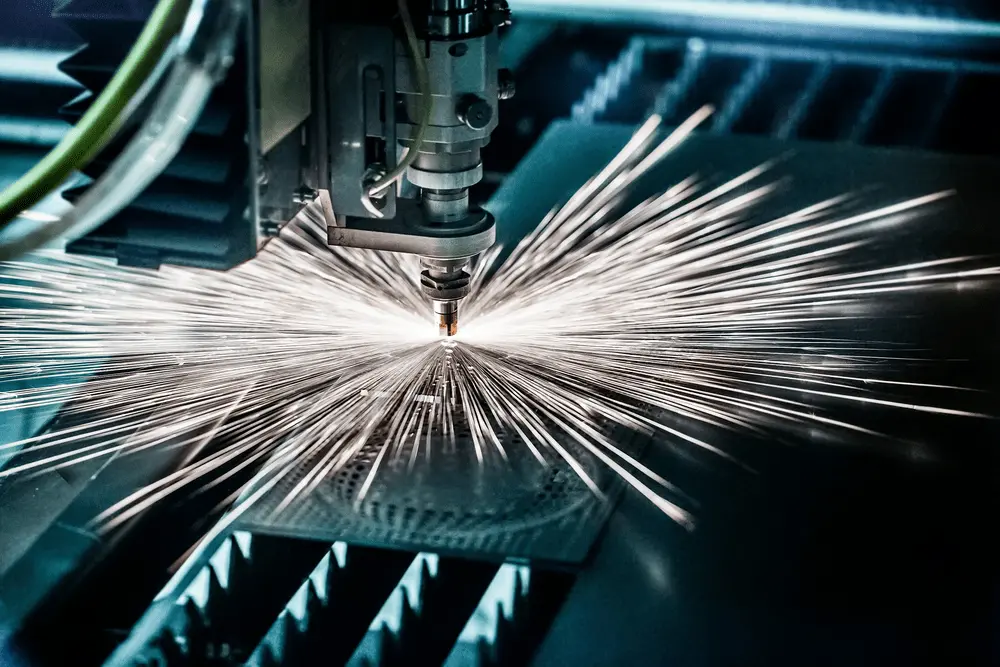
Il taglio laser dell'acrilico utilizza un raggio laser ad alta potenza per tagliare con precisione i materiali. Il raggio laser fonde o vaporizza l'acrilico, creando bordi puliti. La velocità e la qualità del taglio sono influenzate dallo spessore dell'acrilico, con spessori comuni che vanno da 1/8 di pollice a 1 pollice.
Dettagli Tecnici
Per comprendere meglio il processo di taglio laser, esploriamo alcuni parametri tecnici chiave:
- Potenza laser: Tipicamente varia da 40W a 150W, a seconda dello spessore di taglio e dei requisiti di velocità.
- 40-60W: Adatto per acrilico sottile (sotto 1/8 di pollice)
- 80-100W: Spessore medio (circa 1/4 di pollice)
- 120-150W: Acrilico spesso (1/2 pollice e oltre)
- Velocità di Taglio: Strettamente correlata a potenza e spessore.
- Materiale sottile (1/8 di pollice): 20-30 mm/secondo
- Spessore medio (1/4 di pollice): 10-15 mm/secondo
- Materiale spesso (1/2 pollice): 5-8 mm/secondo
- Frequenza: Solitamente tra 500-5000Hz, influisce sulla levigatezza dei bordi di taglio.
- Bassa frequenza (500-1000Hz): Adatta per materiali spessi, ma può produrre bordi più ruvidi
- Alta frequenza (3000-5000Hz): Ideale per materiali sottili, produce bordi più lisci
- Distanza Focale: Tipicamente 1,5-2 pollici, richiede una regolazione precisa in base allo spessore del materiale.
La combinazione di questi parametri determina la qualità del taglio. Ad esempio, per acrilico spesso 1/4 di pollice, potresti provare le seguenti impostazioni:
- Potenza: 100W
- Velocità: 12 mm/secondo
- Frequenza: 2000Hz
- Distanza Focale: 1,75 pollici
Nota che queste sono linee guida generali e le impostazioni effettive potrebbero richiedere messa a punto in base all'attrezzatura e ai materiali specifici.
Vantaggi
- Alta Precisione: Consente design intricati e complessi
- Riduzione degli Sprechi: Il taglio preciso minimizza la perdita di materiale
- Personalizzazione: Adattamento flessibile alle varie esigenze di progetto
Considerazioni sulla Sicurezza
- Garantire una ventilazione adeguata per evitare fumi nocivi
- Indossare occhiali protettivi
- Attenersi rigorosamente alle linee guida del produttore dell'attrezzatura
Vantaggi del Taglio Laser dell'Acrilico
Tagli di Precisione
Il taglio laser fornisce alta precisione per i materiali acrilici. La tecnologia utilizza luce focalizzata per creare bordi puliti. Ciò si traduce in design intricati difficili da ottenere con metodi tradizionali. Ad esempio, un design di taglio acrilico laser può presentare forme complesse e dettagli fini senza scheggiature o bordi ruvidi.
Velocità ed Efficienza
Il taglio laser è anche veloce. Può elaborare rapidamente grandi lastre di acrilico. Questa efficienza fa risparmiare tempo durante la produzione. Le aziende spesso scoprono di poter rispettare scadenze strette più facilmente quando utilizzano questo metodo. Progetti che una volta richiedevano giorni ora possono essere completati in ore.
Versatilità
Il taglio laser dell'acrilico è versatile. Funziona bene con vari spessori di acrilico, da lastre sottili a pannelli più spessi. I designer possono utilizzarlo per diverse applicazioni, tra cui segnaletica, espositori e progetti personalizzati. L'adattabilità lo rende un favorito tra artisti e produttori.
Efficacia dei Costi
L'uso del taglio laser può ridurre gli sprechi. I tagli precisi portano a meno errori e meno materiale di scarto. Questa efficacia dei costi attrae molte aziende che cercano di ridurre le spese mantenendo la qualità.
Estetica Migliorata
I deliziosi design in acrilico tagliato al laser spesso risaltano visivamente. I bordi lisci e le finiture trasparenti fanno apparire i progetti professionali. Questo fascino estetico attrae i clienti e migliora l'immagine del marchio.
Scegliere il giusto tipo di acrilico
Acrilico opaco
L'acrilico opaco offre un colore solido. Blocca la luce e garantisce privacy. Questo tipo è ottimo per creare acrylic signs or decorative pieces. The lack of transparency allows for vibrant colors and unique designs.
Choosing opaque acrylic can enhance your project’s visual impact. It is often used in displays and partitions. This material is also durable, making it suitable for outdoor use.
Clear Acrylic
Clear acrylic is known for its glass-like appearance. It allows maximum light transmission. This makes it a popular choice for projects that require clarity, such as display cases or protective barriers.
Clear acrylic sheets are available in various thicknesses. They can be easily cut into different shapes. Many artists and designers prefer this option for their acrylic projects.
Cast Acrylic
Cast acrylic is a high-quality option for laser cutting. It has a consistent thickness and smooth edges after cutting. This type withstands weathering better than other acrylic materials.
Cast acrylic is less prone to scratching and yellowing over time. This durability makes it ideal for long-lasting acrylic parts and products.
Different Acrylic Sheets
Different acrylic sheets come in various colors, textures, and finishes. You can find transparent acrylics, frosted options, and even metallic finishes. Each sheet serves specific purposes based on the desired effect.
Understanding these differences helps in selecting the right acrylic cutting option for your needs. The right choice can elevate your final product’s quality and appearance.
Tips for Effective Laser Processing
Choose Thickness Wisely
Select the right thickness of acrylic for your project. Thinner acrylics cut faster but may not be as durable. A thickness of 1/8 inch is often ideal for many applications.
Thicker materials, like 1/4 inch, require more power and slower speeds. This can lead to better quality cuts, but it also increases processing time.
Optimize Settings
Adjusting the laser settings is crucial. Use a higher power setting for thicker parts. For thinner sheets, lower power works best.
Speed also plays an important role. Faster speeds reduce cutting time but may result in incomplete cuts. Balancing speed and power ensures clean edges.
Focus the Beam
The laser beam’s focus affects the quality of the cut. A well-focused beam produces cleaner edges and minimizes melting.
Regularly check and adjust the focus to maintain optimal performance. This step is essential for achieving high-quality results.
Test Cuts
Perform test cuts before starting on the final piece. This helps identify the best settings for your specific material and design.
Testing allows customers to see how different settings impact the final product. Adjust based on these observations to ensure satisfaction.
Safety First
Always prioritize safety when using laser cutters. Wear protective gear like goggles and gloves. Ensure proper ventilation to avoid inhaling harmful fumes.
Following these tips will improve your experience with laser cutting acrylic. Quality results depend on careful attention to detail and settings.
Safety Measures in Acrylic Laser Cutting
Personal Protective Equipment
Proper personal protective equipment (PPE) is essential during acrylic laser cutting. Users should wear safety goggles to protect their eyes from bright laser light. Gloves can prevent cuts from sharp acrylic edges. Masks are important as they filter out fumes produced during the cutting process.
Ventilation Systems
Effective ventilation systems help remove harmful fumes and particles. Acrylic releases toxic gases when heated. A well-ventilated workspace reduces the risk of inhaling these substances. Using fume extractors or exhaust fans ensures a safer environment for operators.
Fire Safety Precautions
Implementing fire safety precautions is crucial in any laser cutting operation. Acrylic is flammable, so it’s vital to keep flammable materials away from the cutting area. Operators should have fire extinguishers nearby and know how to use them. Regularly inspecting equipment can also prevent overheating and potential fires.
Machine Settings
Correct machine settings play a significant role in safety. Operators must adjust power levels and speed according to the thickness of the acrylic being cut. Overpowered lasers can cause excessive heat, leading to accidents or fires. Following manufacturer guidelines ensures safe operation.
Emergency Procedures
Establishing clear emergency procedures is necessary for quick responses to incidents. All personnel should be trained on what to do in case of an emergency, including how to shut down the machine safely. Regular drills can prepare everyone for real situations.
Casi di studio
To illustrate practical applications of laser cutting acrylic, let’s examine two case studies:
Case 1: Custom Lighting Design
An interior designer used laser cutting technology to create a unique pendant light design.
- Material Used: 1/4 inch thick clear acrylic
- Design: Complex geometric pattern allowing light to pass through, creating fascinating shadow effects
- Cutting Settings:
- Power: 90W
- Speed: 14 mm/second
- Frequency: 2500Hz
Result: Exquisite light fixtures with smooth edges requiring no post-processing. The designer was able to quickly prototype and adjust designs, with the final product receiving high praise from clients.
Case 2: Large Corporate Signage
An advertising company was tasked with producing a 5 feet x 3 feet company logo.
- Material Used: 1/2 inch thick colored acrylic
- Design: Large logo containing fine text and graphic elements
- Cutting Settings:
- Power: 130W
- Speed: 6 mm/second
- Frequency: 1000Hz
Challenge: The large size required precise material handling and multiple cutting passes.
Result: Through careful planning and execution, a clear and sharp large-scale logo was successfully produced, significantly enhancing the client’s brand image.
These cases demonstrate the versatility and precision of laser cutting in projects of different scales and complexities.
Latest Technological Developments
Laser cutting technology continues to evolve. Here are some recent developments:
- Laser a fibra: Offer higher energy efficiency and finer cutting capabilities compared to CO2 lasers. Particularly suitable for cutting thin acrylic sheets.
- Automated Systems: Integrate machine vision and AI for more precise cutting path planning and material utilization optimization.
- Multi-Axis Cutting: Allows cutting in 3D space, opening new possibilities for creating complex three-dimensional structures.
- Green Laser Technology: Uses more environmentally friendly laser sources, reducing energy consumption and harmful emissions.
These innovations are expanding the application range of laser cutting acrylic, making it capable of meeting a wider array of industrial and artistic needs.
Environmental Impact and Sustainability
While laser cutting offers many advantages, it’s important to consider its environmental impact:
- Energy Consumption: Laser cutting machines consume significant electricity. Consider using renewable energy sources or high-efficiency equipment to reduce carbon footprint.
- Waste Management: Optimize cutting layouts to minimize waste. Consider recycling acrylic scraps left after cutting.
- Fume Emissions: Install efficient filtration systems to reduce the release of harmful substances into the environment.
- Material Choice: Consider using recyclable or bio-based acrylic to reduce dependence on petroleum-based products.
By adopting these measures, the negative environmental impact of laser cutting acrylic can be significantly reduced.
Cost Analysis
Understanding the cost structure of laser cutting acrylic is crucial for project planning:
- Equipment Costs:
- Entry-level laser cutters: $5,000 – $15,000
- Professional-grade equipment: $20,000 – $50,000+
- Material Costs:
- Standard clear acrylic (1/4 inch thick): $2-$4/square foot
- Specialty or colored acrylic: $5-$10/square foot
- Operating Costs:
- Electricity: Approximately $0.5-$1/hour (depending on machine power and local electricity rates)
- Maintenance: 5-10% of equipment cost annually
- Labor Costs:
- Operator wages: $15-$25/hour (varies by region)
Compared to traditional cutting methods:
- Higher initial investment, but more cost-effective in the long run
- Greater precision means less waste and rework
- Ability to take on complex projects, increasing profit margins
ROI Example: A $30,000 laser cutter completing $10,000 worth of projects monthly, after deducting material and operating costs, could potentially achieve return on investment within 12-18 months.
With careful planning and effective utilization, laser cutting acrylic can be a profitable investment.
Conclusione
Mastering laser cutting acrylic technology opens up endless possibilities for your projects. By understanding process details, choosing appropriate materials, applying effective techniques, and considering safety and environmental factors, you can fully leverage this innovative technology. As the technology continues to advance, the applications of laser cutting acrylic will expand, bringing new opportunities to creative and industrial fields.
Now, armed with this knowledge, you’re ready to begin your laser cutting journey. Experiment, innovate, and let your creativity shine! Don’t forget to share your experiences with other enthusiasts and continue learning and growing. Best of luck with your next project!